Use several photos
Capture the whole plant and useful details such as leaves or flowers when available.
Plant identification app
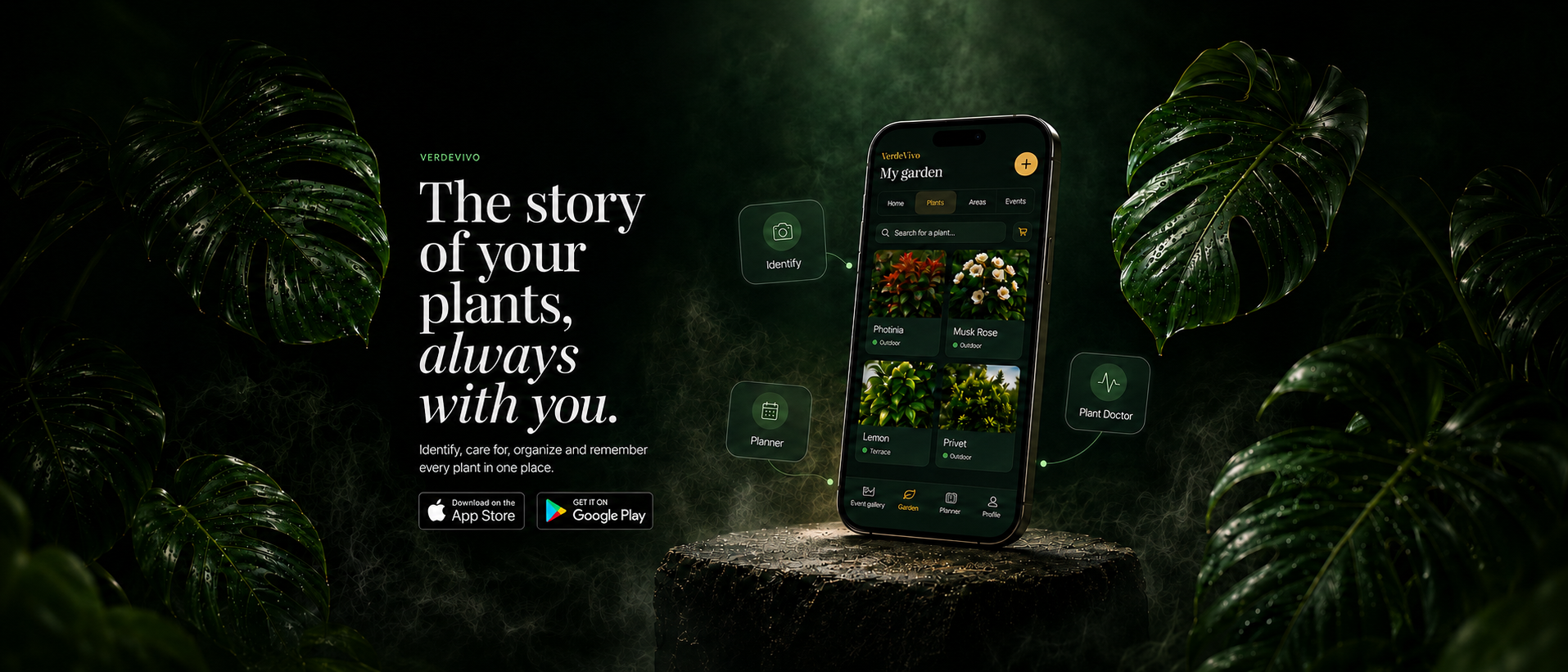
Photograph the whole plant, add leaf or flower details and review suggested matches before confirming a species. VerdeVivo keeps that plant identity connected to photos, care events and reminders over time.
More than a one-off result
A plant identification result is useful when it becomes part of the plant you actually care for. VerdeVivo keeps the confirmed identity connected to the same place where photos, events and future activities live.
Capture the whole plant and useful details such as leaves or flowers when available.
Review the result before turning it into the plant record you will keep using.
Care, reminders, events and photos stay connected after identification.
A useful next step
Add clear views that show the plant as a whole and useful botanical details.
Use the identification as a starting point and confirm the plant information.
The identified plant becomes part of the same care and history workflow.
Clear photos support better identification
A single leaf can resemble many different species. Capture the plant as a whole and add distinguishing details, without filters that change its natural colours.
Show growth habit, stems and leaf arrangement in a sharp image.
Show an intact leaf and, when useful, its underside.
Photograph flowers or distinguishing features when present, without damaging the plant.
If the match is uncertain: If a suggested match looks uncertain, compare several botanical features. Do not treat a guess as a confirmed species; manual plant entry is another option.
If leaves are curling, identifying the species is only the first step. The symptom guide helps assess moisture, roots, light and pests. Guide: curling leaves · Plant journal.
Questions
VerdeVivo includes a photo-based identification flow designed to help you find likely botanical matches and continue from there.
When possible, using views of the whole plant together with leaves and flowers can provide more useful visual information for identification.
Try sharper images of the whole plant and distinctive parts. An uncertain suggestion is not proof: you can enter a plant manually and update its identity later.
You can keep the plant in VerdeVivo and connect its future care, reminders, photos and events to the same plant history.