Reward
10 plant identifications
Tag @verdevivo.app in an Instagram Story to earn 10 plant identifications to use in VerdeVivo.
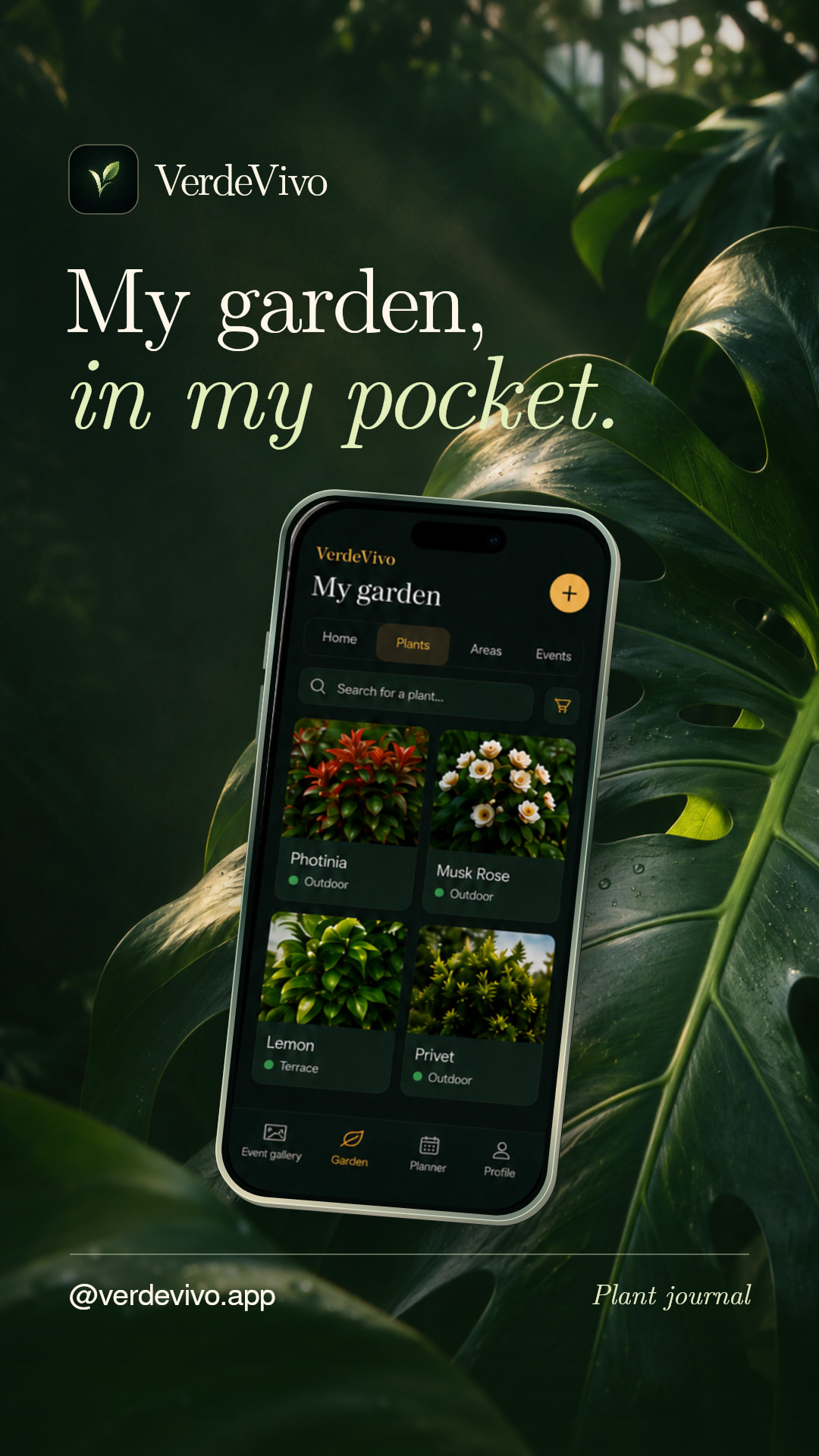
How to create your Story
Use the vertical VerdeVivo template or choose a photo from your own garden.
Open @verdevivo.app on InstagramChoose your image
Download the template above and save it to your phone’s photo library. If you have your own photo, you can start in Instagram.
Create an Instagram Story
Tap the create button, choose Story and select your image. You can add the plant’s name or a note about how you grow it.
Add the mention
Open the sticker tray, choose Mention and select @verdevivo.app. Tap Your story to post. The sticker links your Story to our profile, even when our handle is already printed on the image.
How do I save the template on iPhone?
If the image goes to Downloads, open it in Files, tap Share, then Save Image. You can select it from Photos when you create your Story.